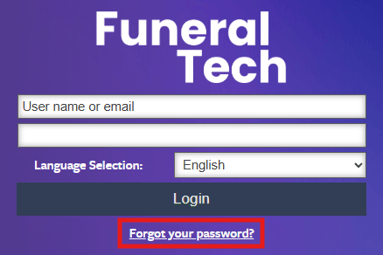
To access the admin dashboard, you can add /admin/ to the end of your website url in the browser. For example, if my website is www.testfuneralhome.com then my admin login link would be www.testfuneralhome.com/admin/.

If you know what your system's deployment link is, you can also utilize that link to get to the login page. These links will contain "funeraltechweb.com" with a subdomain added in front. For example, testfuneralhome.funeraltechweb.com/admin/.
**If you do not have a website with Funeral Tech and are only using Family Arranger, you will need to use the deployment link to sign in.

Alternatively, you may go to your live website and click on the "Admin Login" link at the bottom of the website.

Once on the admin login page, you will be required to enter your username and password to sign into the admin side of your system.
If you have forgotten your password, the forgot your password link on the login page will allow you to request a password reset.