
To access the Survivor Copy feature use the button called “Copy Survivors from Another Case” at the bottom of the Survivors list screen.
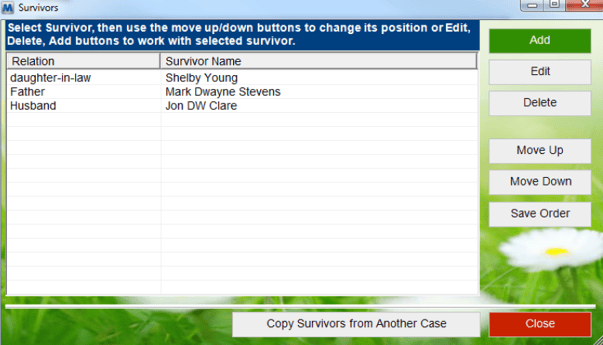
Once you click on the “Copy Survivors from Another Case” button the MiMS “Find Case” window will open.
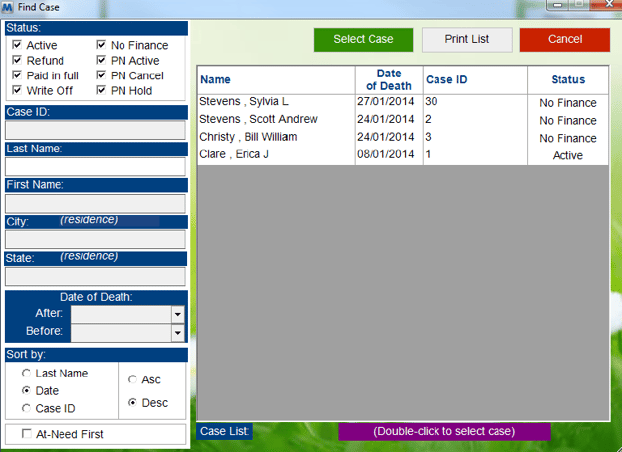
Once you have selected a case to copy survivors from the “Select People” window will open to choose which survivors from that case you wish to copy.
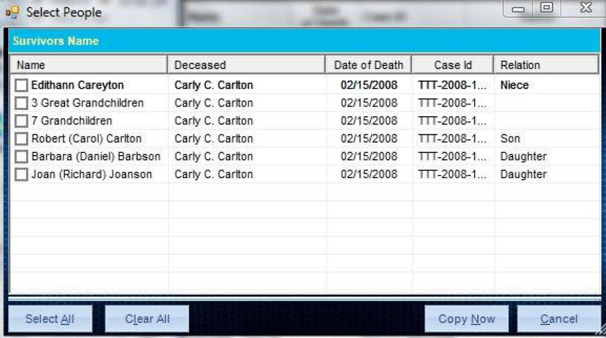
After you select the people you wish to copy click on the “Copy Now” button and the survivors will be copied into the local survivors list. All you need to do is update the information for these survivors if applicable and add in any other survivors you desire and when you are finished close the survivors list window.