
The tribute media page can be opened by clicking the "Edit Tribute Media" button in the green menu bar on the Death Records page.

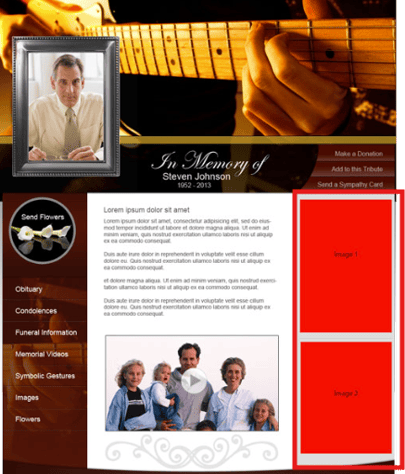
From this page, you will be able to configure the images and links that appear on the side or bottom of each tribute page. Images and links can be configured by tribute theme type, location or site. Where the images will appear on the page is dependent on the theme type, each tribute theme has a different layout.

A preview will display on the right side showing you where each image will display on the page for the selected tribute theme type.
On the left side, images can be uploaded or selected from your media files and links can be added for each media section.
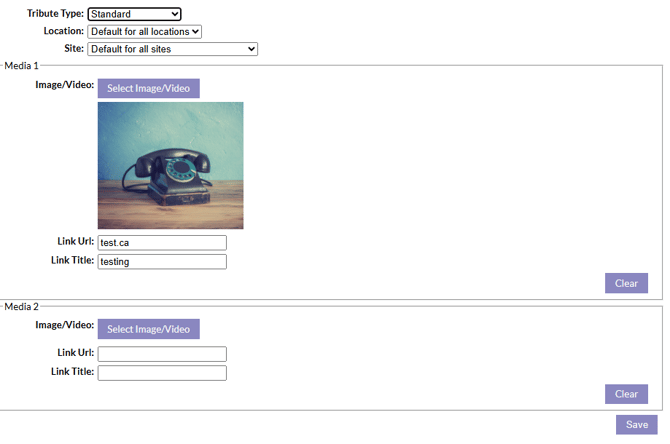
Once you have added your images and links to the media sections, make sure to click the save button to save your changes.