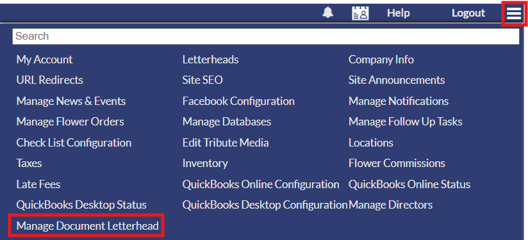
To setup a letterhead in your Family Arranger system, go to the three horizontal bars in the top right corner of your system to open the system settings and select the "Manage Document Letterhead" option.
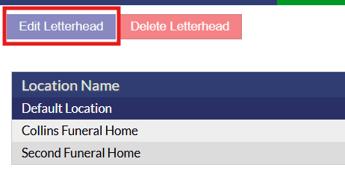
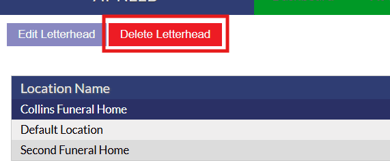
When you are on the document letterhead page, all locations that you have setup in your Family Arranger system will appear. If you only have the one location, this will be titled “Default Location”. You are able to have different letterheads for each location. In order to add a letterhead to your system, select the location you wish to add a letterhead too, then click the “Edit Letterhead” button located in the top left corner.
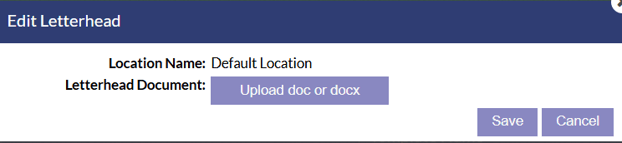
Clicking the “Edit Letterhead” button will display a pop-up window, which will then ask for a .doc or .docx file to be uploaded. Upload the letterhead document from your computer and click the save button to save it to that location.
To remove a letterhead from a location, simply click on the location you wish to remove the letterhead for and select the “Delete Letterhead” button.
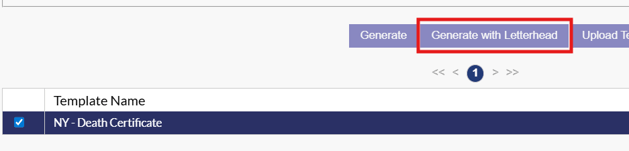
Once you have a letterhead uploaded, you will be able to generate documents with the letterhead added by using the "Generate with Letterhead" option on the document tab of cases.