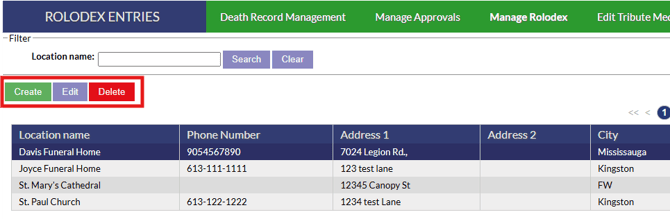
Clicking on the “Manage Rolodex” button from the Death Records page will bring you to a page that lists all of the locations in your system. These locations will automatically save and fill when you enter information into a Death Record. From here, you will have the ability to adjust information or add new information.

Once on the rolodex page, new locations can be entered using the create button, existing entries can be edited using the edit button and if you need to delete a location, highlight a location and click the delete button.
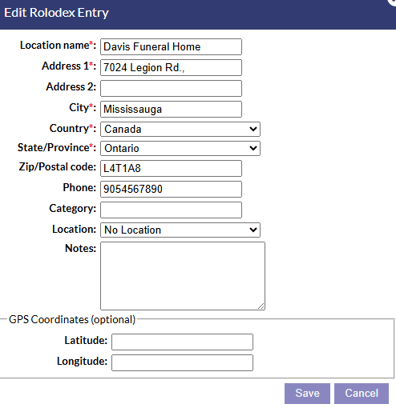
On an entry, a variety of information can be entered for the location such as address information, contact information, category of the location and GPS coordinates.