In Family Arranger, the rolodex is where location and people information is stored for locations and people that you use in various ways on cases. The rolodex, for example, will contain churches, charities, businesses, doctors, musicians, hairstylists and more. To access the rolodex, click the rolodex icon at the top of the dashboard beside the help button.
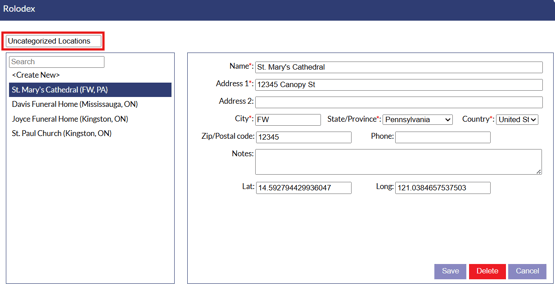
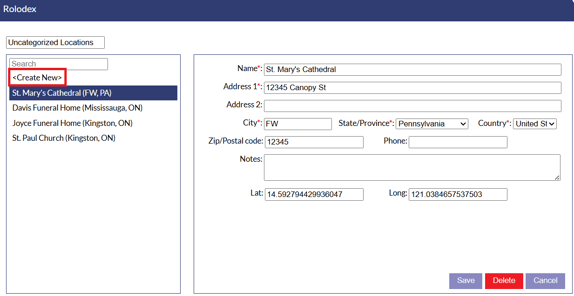
On the rolodex window, locations or people for the selected category will be displayed in the list on the left side. At the top of the list, a category selector is available to select different categories.
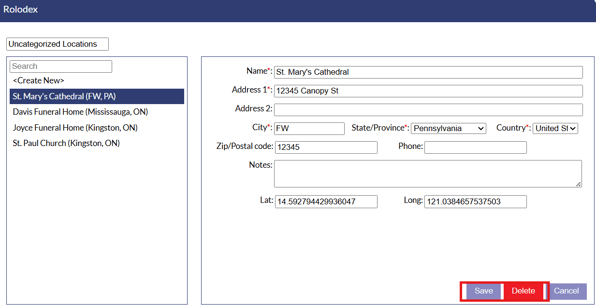
On the right side of the window, information will display for the selected entry. Once you have made changes to information, make sure to click the "Save" button to save your changes. If you need to delete an entry from the rolodex you can use the delete button.
If you want to create a new entry, simply click the "Create New" button.
Manage Databases
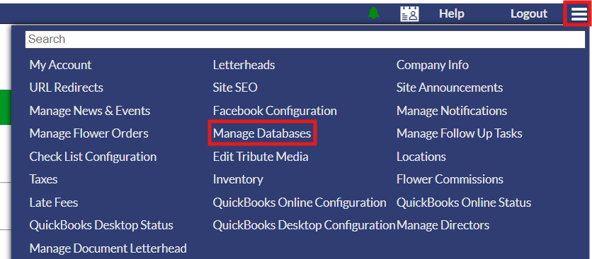
For deeper management of locations and people in the system, the manage databases section can be accessed from the system settings menu. Click the 3 horizontal lines in the upper right corner to open the system settings, then select the "Manage Databases" option.
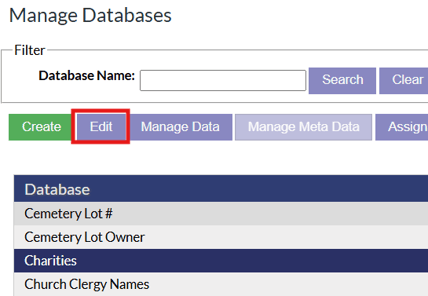
In the manage databases section, database categories will be listed out. To edit a category, click the category and click the "Edit" button. This will let you change the database type and the database name,
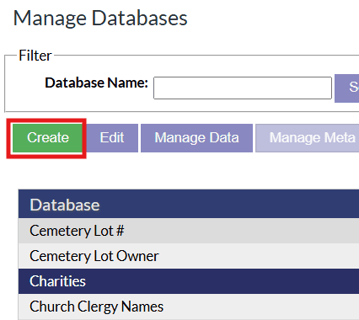
If you need to create a new database, click the green create button.
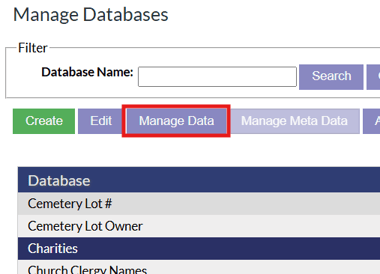
To edit the entries in a database, select the database and click the "Manage Data" button.
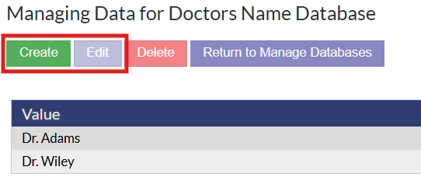
Once inside a database, entries can be edited via the "Edit" button, or new entries can be added via the green "Create" button.
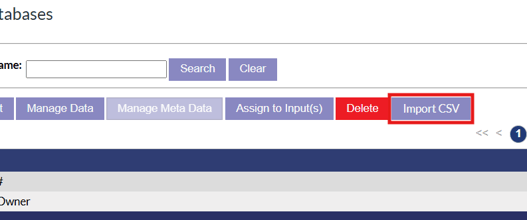
The locations and people contained in the Family Arranger rolodex database can be exported via the "Import CSV" option.