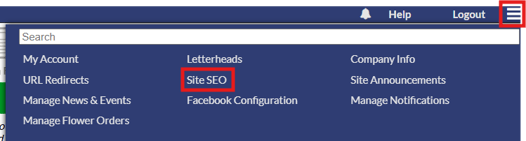
The site SEO section in the website settings allow for changes to be made to website and page SEO information. To access the site SEO page, click the site settings icon in the upper right corner and click the "Site SEO".
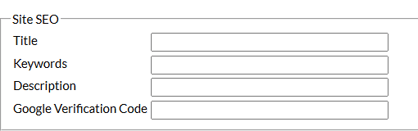
At the top of the page, site SEO options can be changed. This site SEO option lets you change title, keywords and description for the whole website. If you need to add a google verification code, the code can be added in the "Google Verification Code" area.
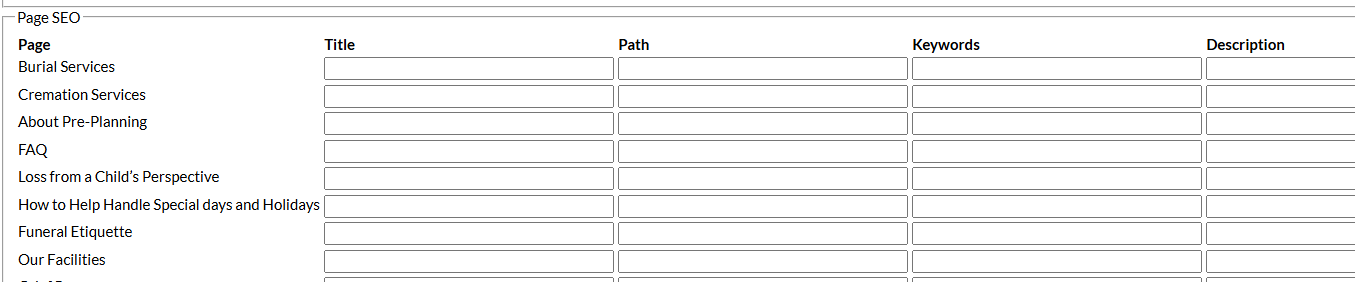
Below the site SEO options, page SEO options are available. This will allow you to change the title, path, keywords or description for any page on the website.
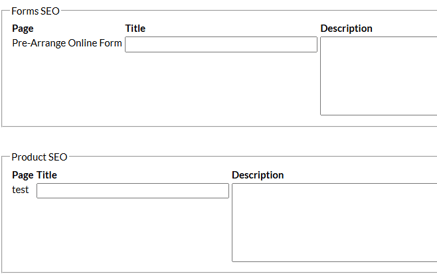
Towards the bottom of the page, form SEO options and product SEO options are available to change the meta title and description for these pages.