
Taxes and late fees can easily be set up in the system settings area of Family Arranger. To access these sections, click the 3 horizontal lines in the upper right corner to open the system settings. A taxes option and late fees option are available here.
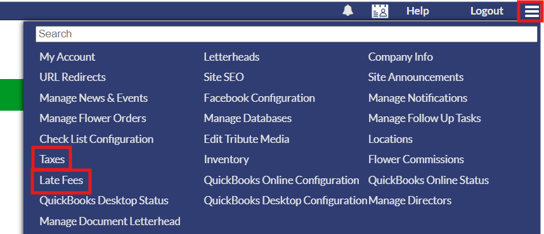
Taxes
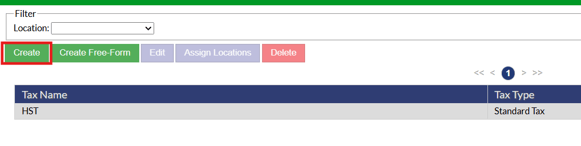
On the taxes page in system settings, different taxes can be set up for locations. Any taxes set up in the system will show in the taxes list. To add a new tax, click the green "Create" button.
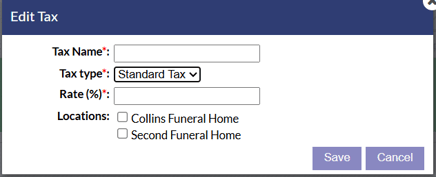
On the tax set up window that appears, a few options are available to configure for the tax. Add a tax name, type of tax (Standard or Range), the tax rate percentage and which locations the tax should apply to.
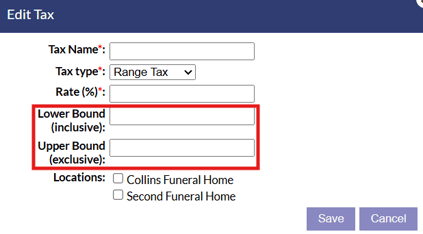
If the range type is selected, two additional options will be available to set the lower and upper bound for the tax to be included or excluded.
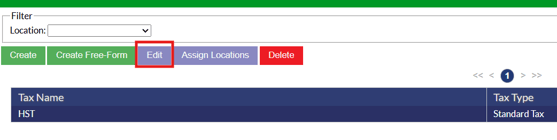
If you need to edit an existing tax, highlight the tax in the list and click the "Edit" button.
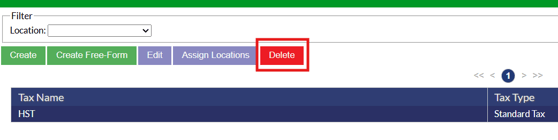
Taxes can be deleted by highlighting the tax in the list and clicking the "Delete" button.
Late Fees
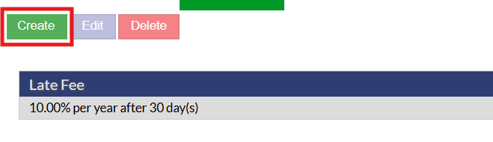
On the late fees page, any late fees currently in the system will display in the list. To add a new late fee, click the green "Create" button. A few options are available to configure the late fee you are adding, annual percentage rate can be set, grace period in days and the location to apply that late fee to.
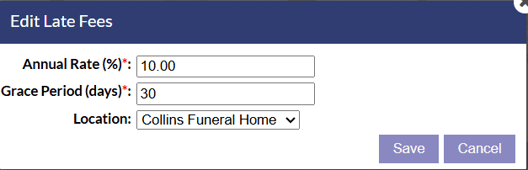
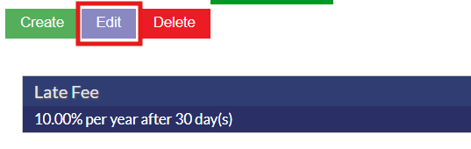
If you need to edit an existing late fee, select the late fee from the list and click the "Edit" button,
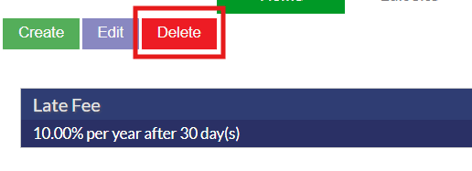
To delete a late fee, select the late fee in the list and click the red delete button.
**A due date is needed on a contract in order for late fees to apply.