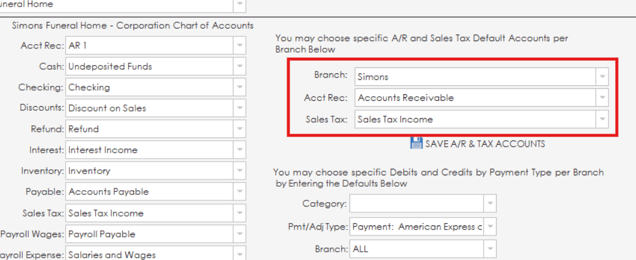
The defaults tab on the accounting page allows you to set up default accounts for various categories and branches in the system. To set default accounts for the corporation, simply use the drop down lists beside each category of account to set a specific account as the default account for that category.

On the right side of the section, branch specific accounts for accounts receivable and sales tax can be configured.
The second area on the right side of the section will allow you to set up account defaults for debit and credit payment types per branch. A list of account defaults for debit/credit types of payments will display at the bottom of the page. Debit/credit account defaults can be added for branches by filling out the category, type, branch and credit/debit boxes and clicking the save branch payment type button. Defaults can be removed from this list if needed by highlighting the default and clicking the delete branch payment type button.

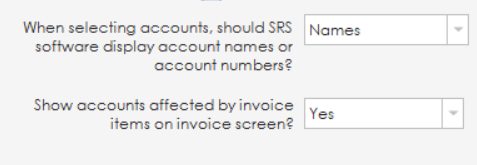
At the bottom of the page on the left side, a couple of settings are also available to set whether SRS should display account names or account numbers when selecting accounts, and whether accounts affected by invoice items should be shown on the invoice screen.