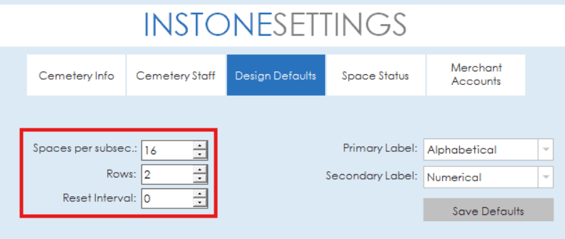
The design defaults settings for InStone allow for defaults to be configured for cemetery sections and rows. Options are available to configure the spaces per section and the number of rows along with an option to set the revert interval.
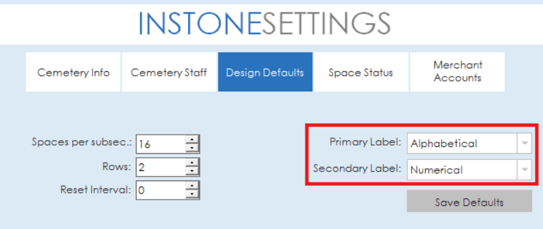
Labeling defaults are also available to be set for primary and secondary labels. Options are available to set the labels to default to alphabetical or numerical.