The do not call option in Prospect allows for DNC listing files from the National Do Not Call website to be imported into the system. This will add do not call information to the system and mark any numbers that are contained on the list as Do Not Call. To import a list, simply select a file using the 3 dots beside the Select DNC File section.

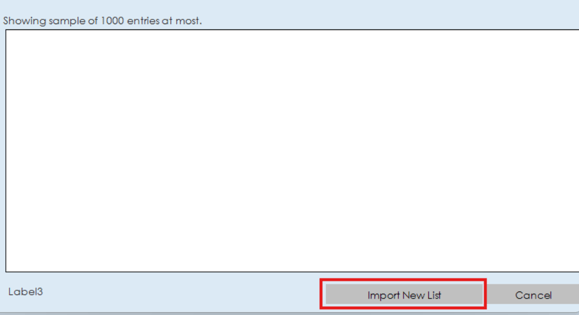
Once you have imported a file, a sampling of the entries will be shown in the bottom section of the window. Click "Import New List" to import the list into the system.