The periodic Xactions section of the accounting page allows for automatic accounting jobs to be set up in the system. Any currently active accounting jobs will be listed out in the job list at the top of the section.
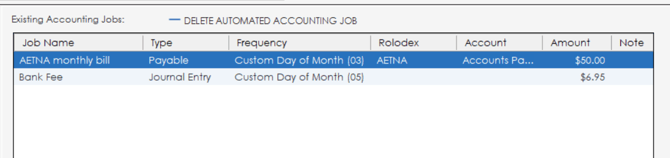
Jobs can be deleted from the list by highlighting the job and clicking the "delete automated accounting job" button.

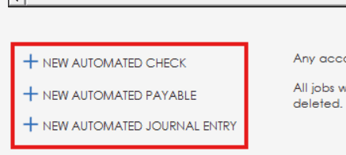
To add an automated accounting job, the "New" buttons can be used at the bottom of the page to add different types of jobs. Any accounting job added will automatically start once saved.
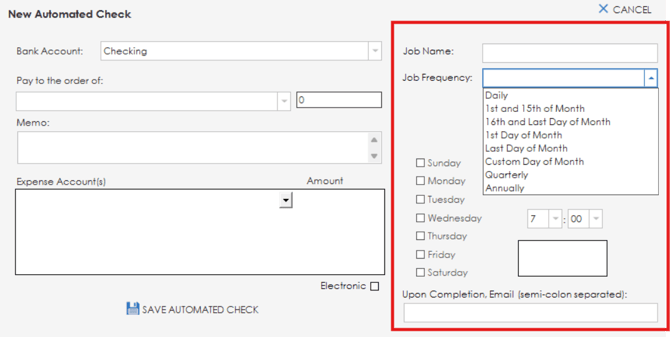
When adding a new automated job, the same information that you would enter when entering a check/payable/journal entry will be available. The bank account, payee, amount, memo and expense accounts can all be set. Additional options are available to set the job name and frequency, along with day of the week and time options for when the job should run.