The dashboard in Phoenix shows an overview of your cases. The case list that displays will show cases within a specific amount of days from death, arrival or scheduled cremation.
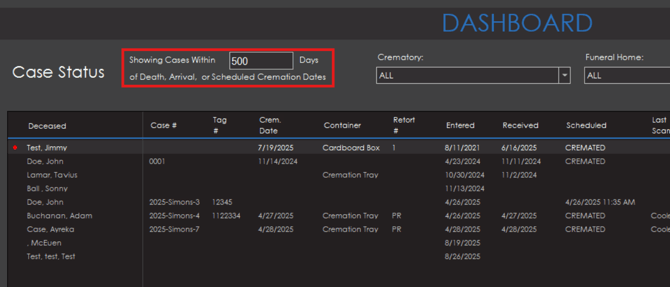
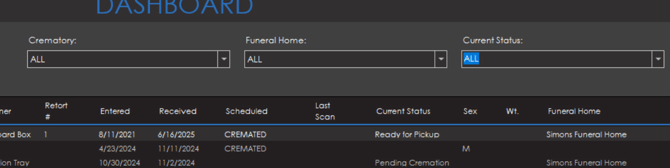
Information regarding name, case number, tag number, cremation date, retort number, entered date, received date, last scan, current status, sex crematory and funeral home branch will display for each case in the list.

Options are available at the top of the dashboard to also filter the case list by crematory, funeral home or current status of the case.
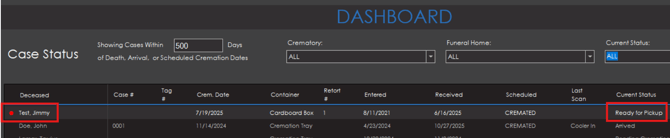
If a case has a status of "Ready For Pickup", a red dot will display on the left side of the case in the list to indicate this status.
To navigate to the case page for any of the listed cases, simply double click on a case from the list.
Phoenix Pet Only
If you are using Phoenix Pet, everything is mostly the same as the Phoenix dashboard but there is a couple of additional columns. Pets will be listed out in place of the deceased along with owners being listed beside the pet name.
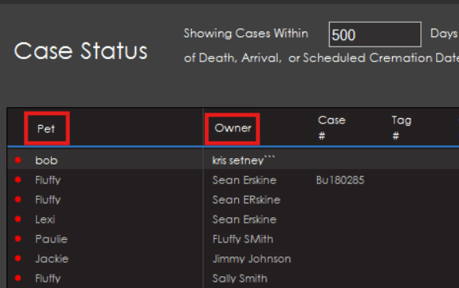
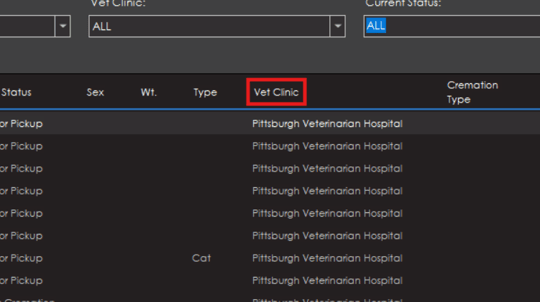
A column will also be shown in the dashboard list to indicate which vet clinic the pet is part of.