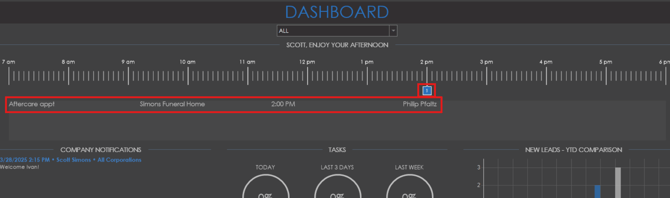
The dashboard in prospect will show some insights into upcoming meetings, tasks, leads and calls. Along the top of the dashboard, a time line will display that will mark any meetings or appointments in the system for the day.
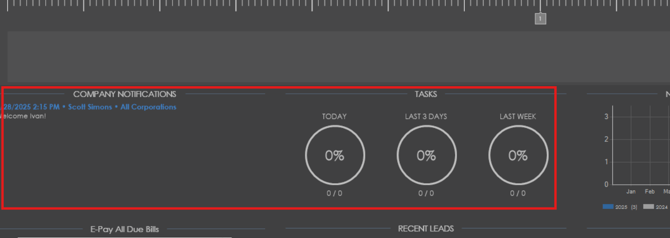
Company notifications will be displayed on the left side of the dashboard and a percentage of completed tasks will show in the middle for today, last 3 days and last week.
A graph will display on the right side showing a year to date comparison of numbers of new leads.

A graph showing number of calls made per month will also be displayed at the bottom of the dashboard.

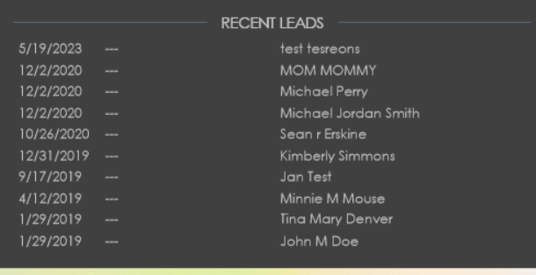
A list of recent leads will be displayed at the bottom of the dashboard. To navigate to the client page for any of these leads, simply double click the name in the list.