The reports tab of the accounting page allows you to generate various accounting reports. General accounting related reports can be created under the "Accounting Reports" area, and reports specific to transactions on a certain bank account can be generated under the "Checking/Bank Account Reports"

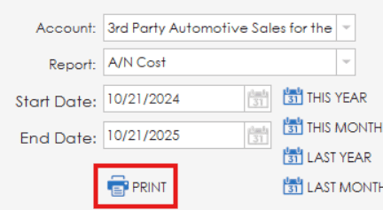
To generate a report, select an account from the accounts list, select a report from the report list and set your date range using the start/end dates. Preset date ranges for this year, this month, last year and last month are available beside the date area. Once you have all your selections made, click the print button to generate the report.