
The space status section of the settings page for InStone allows for default statuses and colors to be configured for the system. On the left side, a default status can be selected for spaces in your cemetery.
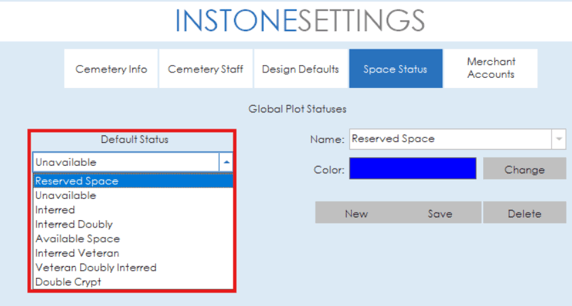
On the right side of the section, status names can be edited, new statuses can be added and colors can be assigned to statuses. To change a status name, simply click the selected status from the drop down and type a new name. Colors can be changed by click the change button and selecting a new color for the status. Make sure to click the save button once you have made your changes. If you need to add a new status, click the new button and if you need to delete a status, select the status and click the delete button.
