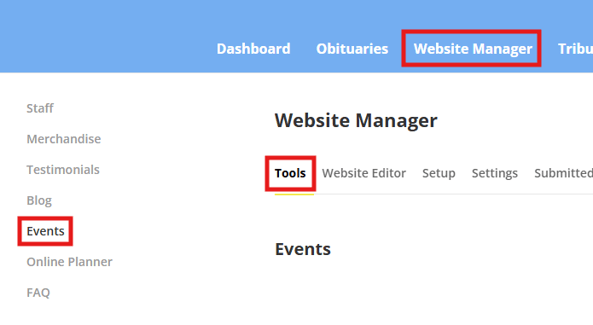
The Events tool page can be accessed via the tools tab under the Website Manager menu option on the Admin Dashboard. Once on the Tools page, a sidebar on the left will have an option to access the Events tool.
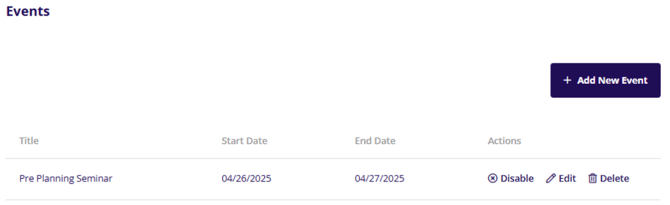
On the events page, events will be listed out displaying title, start date and end date for the event along with some actions to enable/disable the event, edit or delete the event.
When an event is disabled it will show as greyed out in the list.

Add or Edit Events
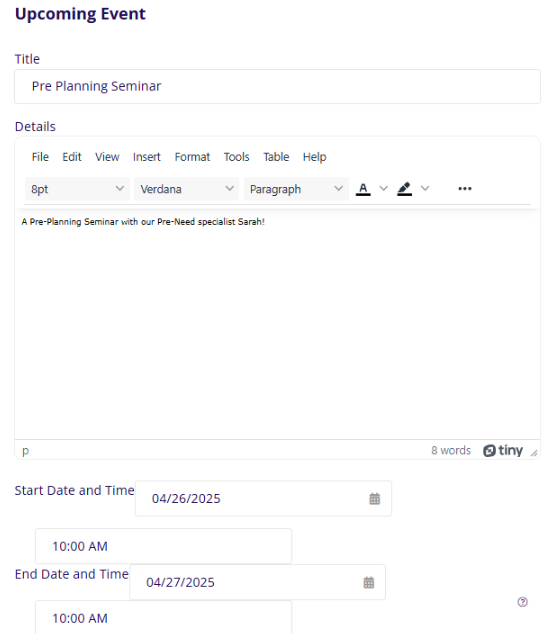
On the event page for adding or editing an event, you will have some basic information you can enter such as Title, Details and Start/End Time of the event.
Attachments
The attachments section allows for you to add attached files to appear on the event page.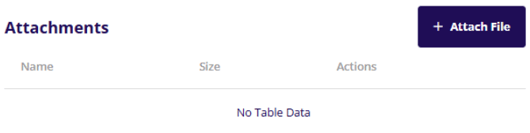
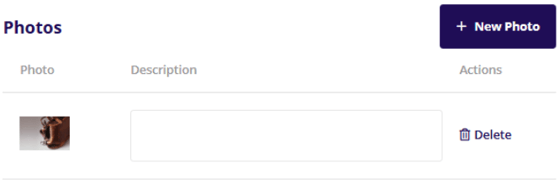
Photos
The Photo section allows you to add photos to the event entry on the event page. You can add photos via the New Photo button. A description can be added for each photo as well.
Once you have made all your changes, make sure to click the Save Event button to save your changes.